Redline, review, and finalize contracts efficiently
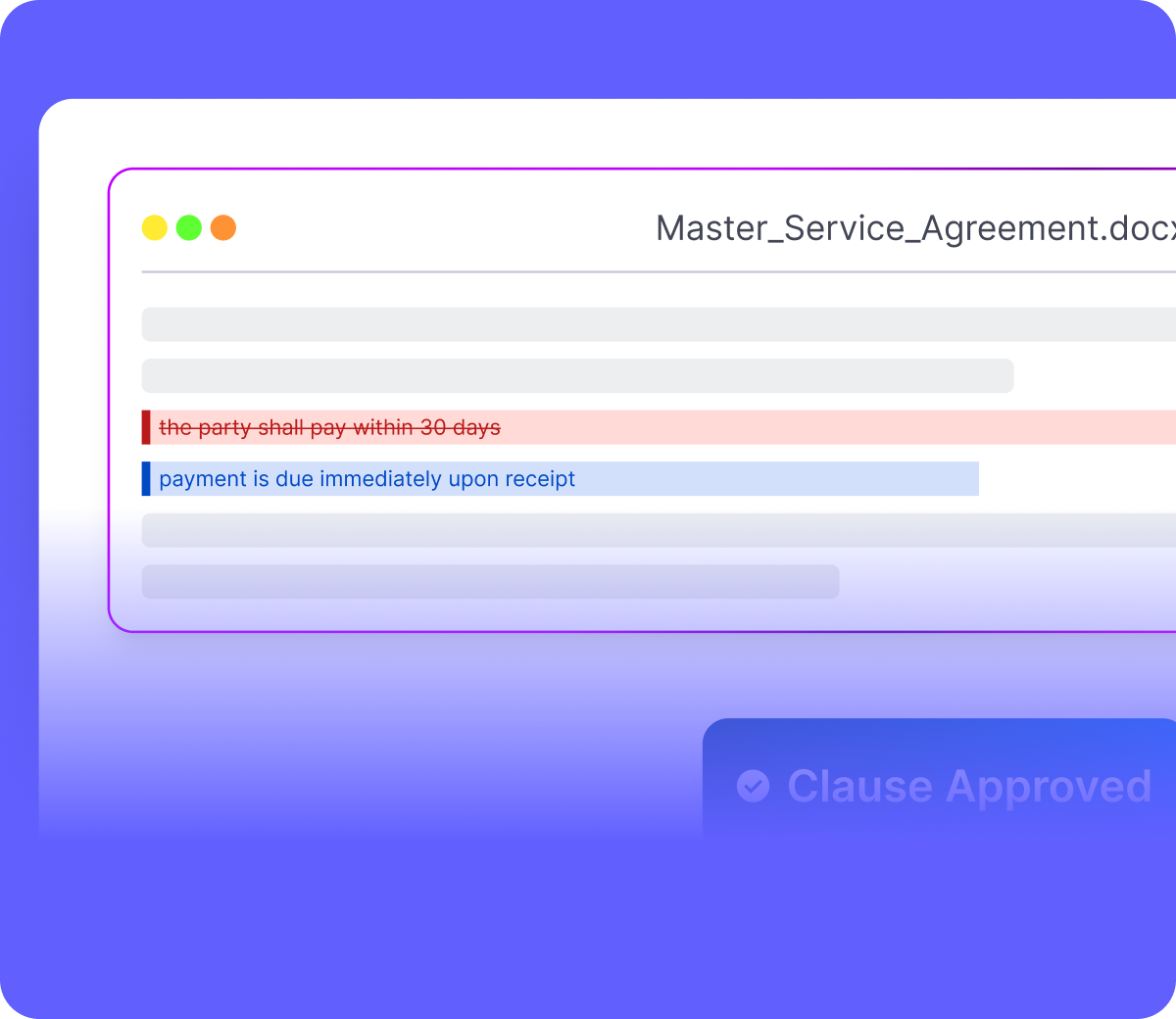
MatterSuite's Contract Redlining lets you track changes, send them for approval, and produce a clean final version, all within the contract, with full version history at every step.
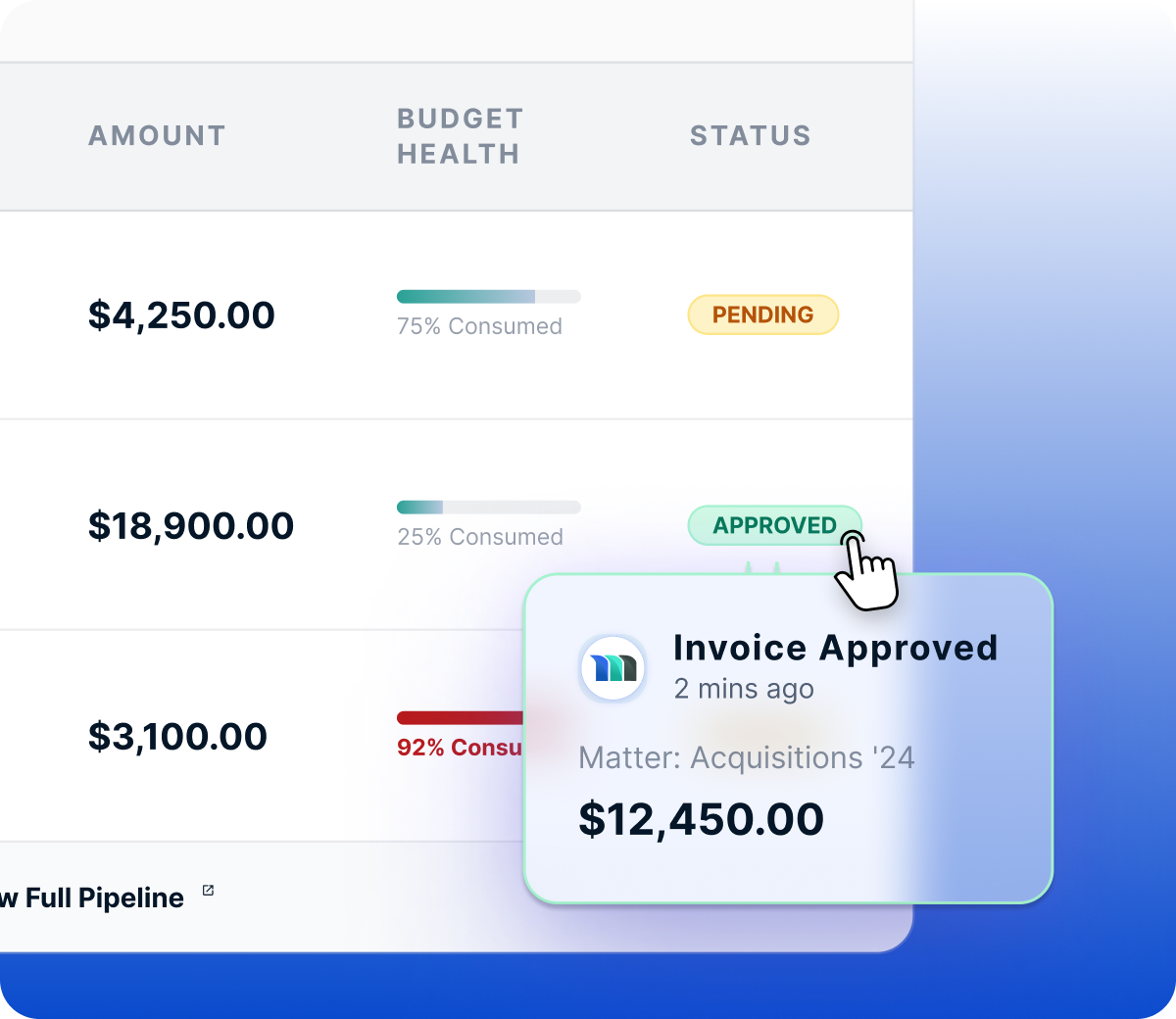
To redline a contract, open it in the built-in editor and click Track Changes. Apply your edits and hit Save — a new redlined version is created automatically. From there, send the latest version for approval to the relevant staff and contract members. Approved changes can be accepted from the updates panel on the right, rejected changes can be dismissed, and saving produces a clean final version ready to move forward.
When saving, you can choose to reset the contract back to Draft and restart the full approval process, or leave it unchecked to keep the contract at its current stage and approval phase.
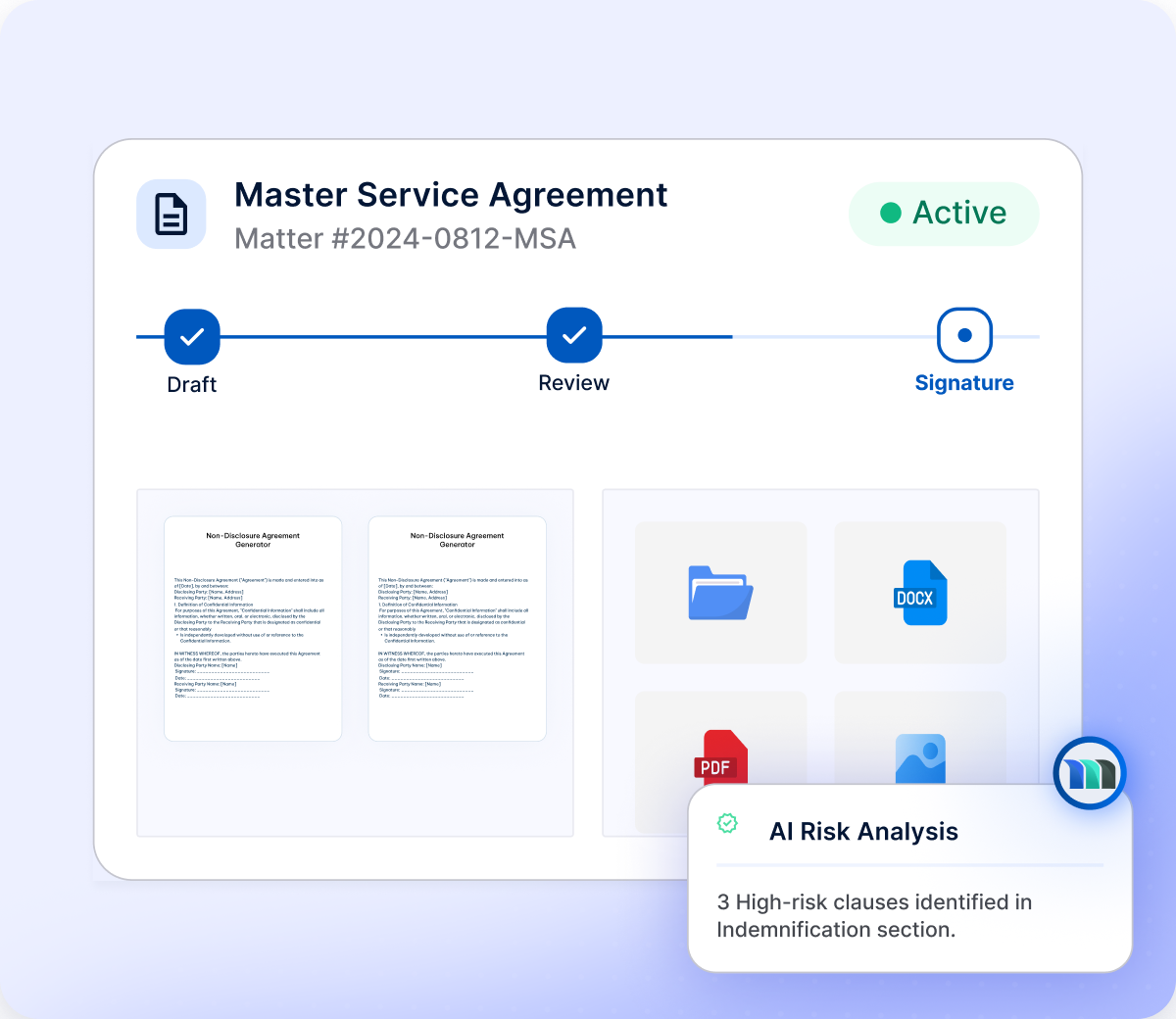
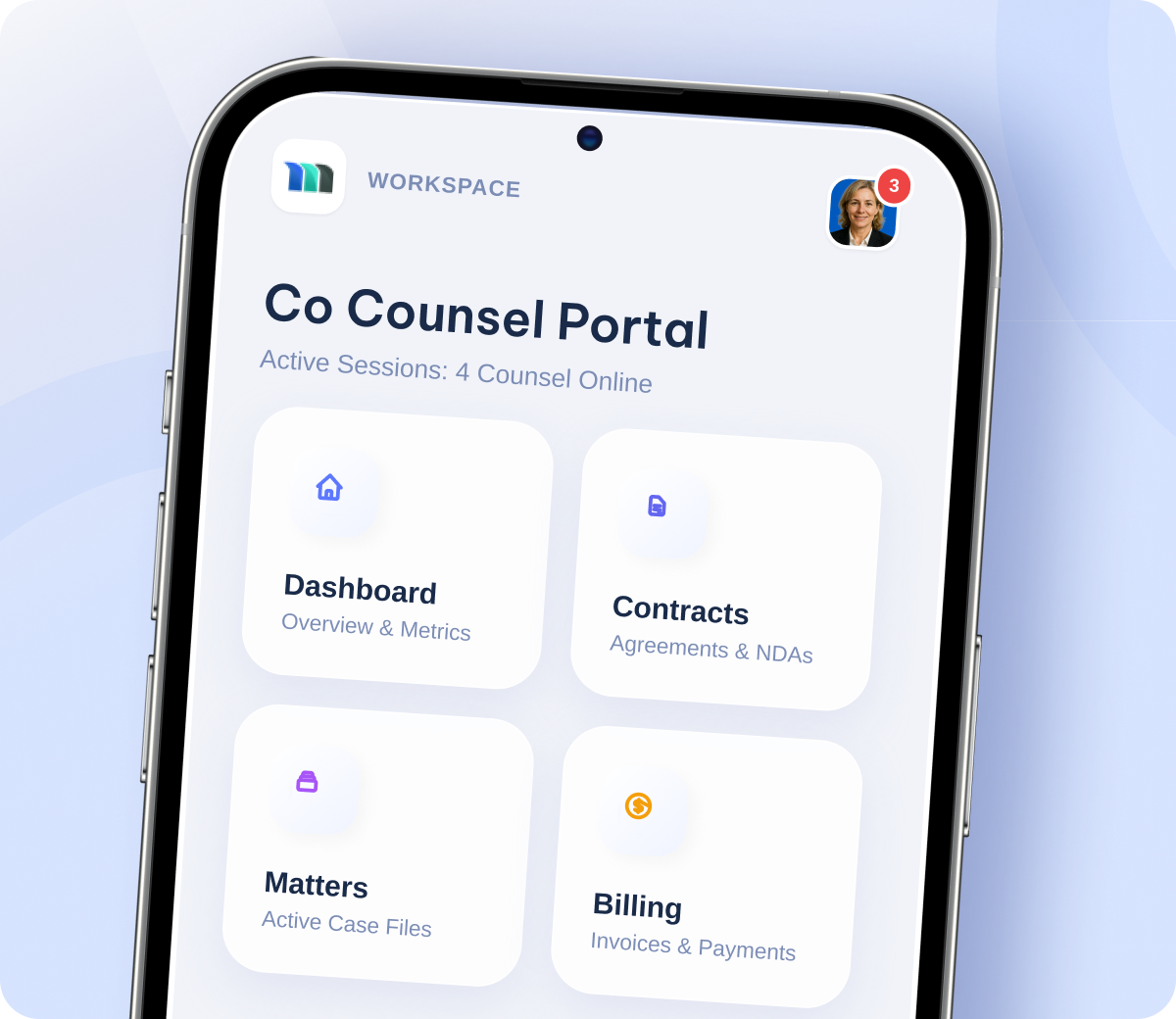
To share the contract with a counterparty, click Grant Access in the Counterparty Access box on the top panel. They'll receive a link to the Client Portal where they can view the contract and its versions. Once all approvals are complete and every stage before signing is fulfilled, the option to send the contract for signature will appear on the top panel.